
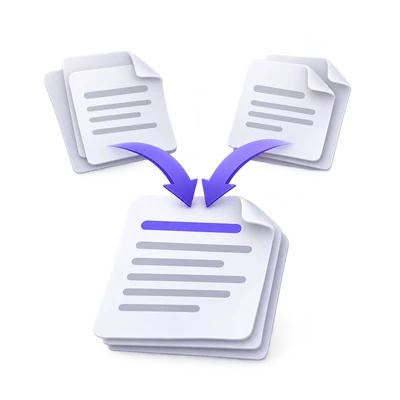

Combining scans is useful when the resulting order makes the material easier to understand. Merge PDF works at document level: arrange files, choose useful ranges and review the output sequence. It also supports alternating pages, but that option needs a deliberate check of front-and-back pairings.
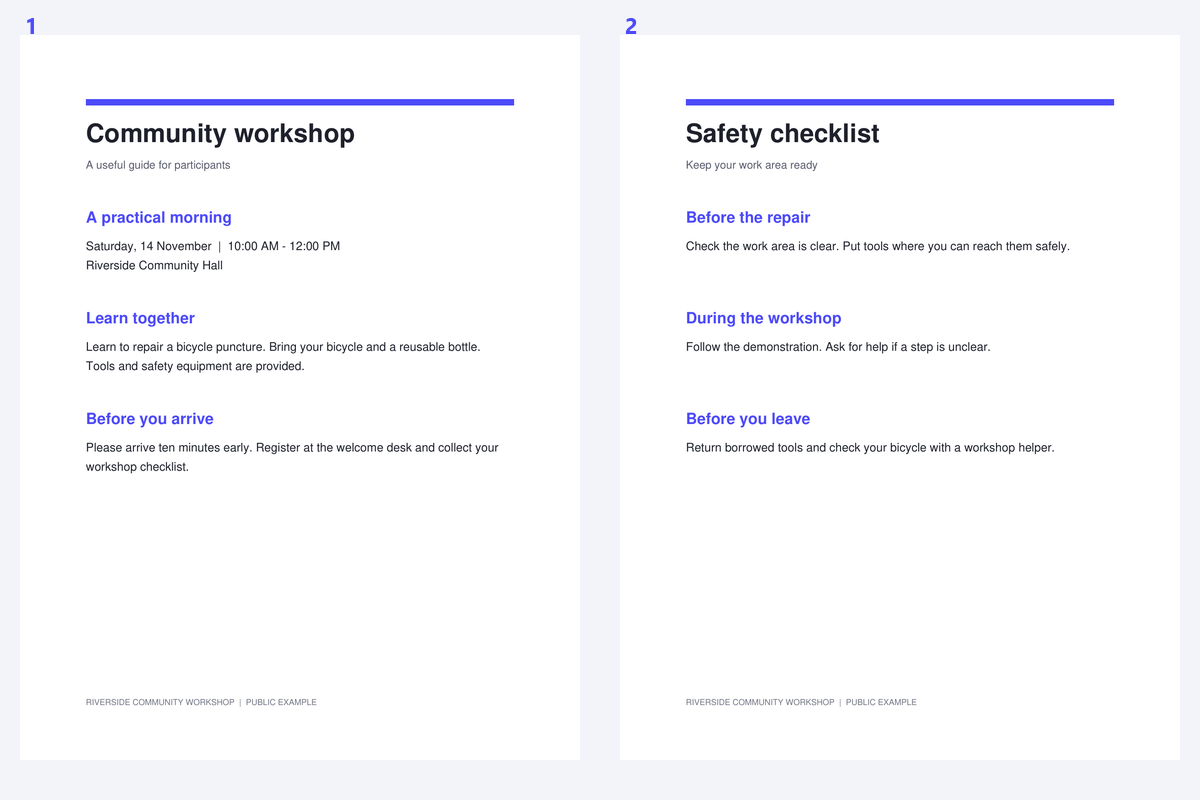
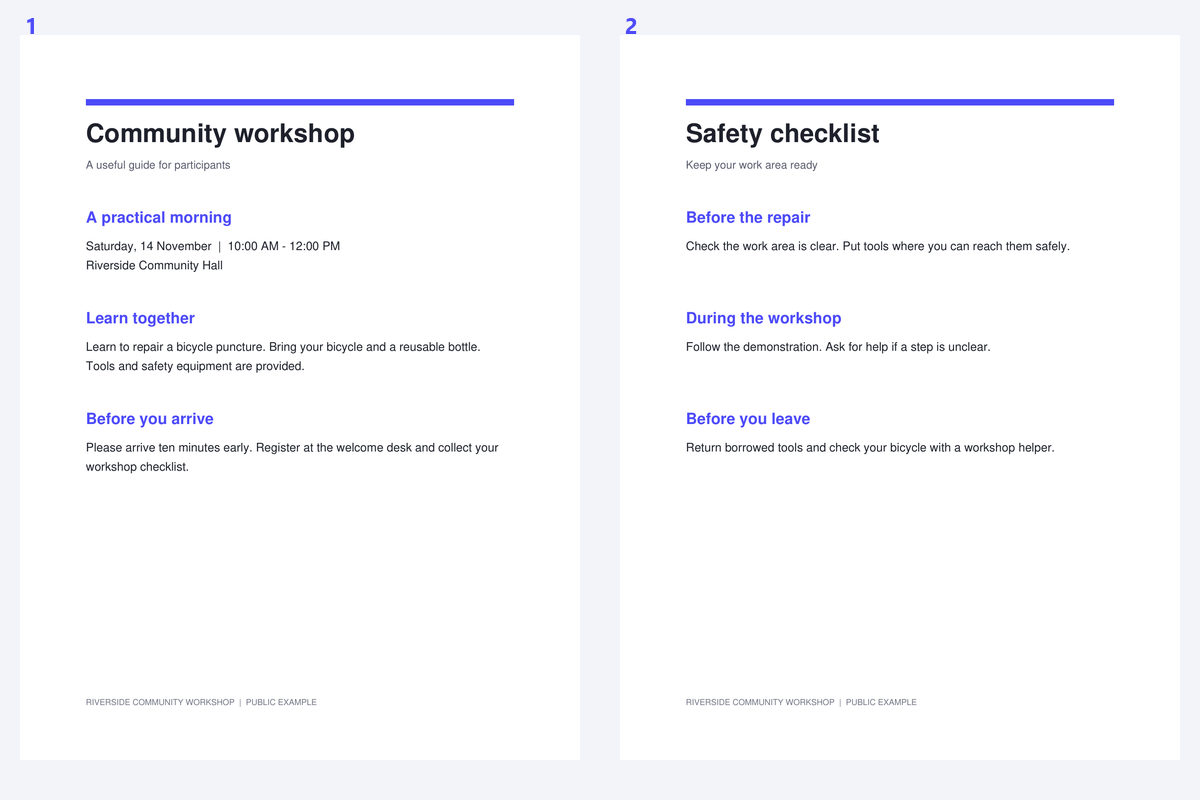
The example joins a public workshop notice with its checklist. Compare the source documents with the combined reading sequence and confirm that the notice comes first.
Load the documents that belong together
Open Merge PDF and add the source PDFs. For a simple packet, identify which document should introduce the material and which should follow.
Keep the originals. Merging makes a new reading document and is not intended to preserve every source attachment, bookmark or interactive form behavior.
Set document order and useful ranges
Arrange the document cards in the intended order. Use a page range if a file contains an unwanted cover or unrelated section.
Inspect the output sequence after sorting or reversing. A filename can be a convenient clue, but it is not proof of the correct document order.
Use the output sequence to verify an alternating merge, especially at the end.
Choose sequential or alternating pages
Use ordinary sequential merging for a notice followed by a checklist. Use alternating pages only when the sources represent paired sequences such as fronts and backs.
Check the first few pairs and the end of an interleaved document. When the sequence is correct, click Start to create the merged PDF.
Choose Organize PDF when you need detailed page-level edits across the sources.
Download and review the combined packet
Download the result and check page count, section transitions and orientation. Confirm that a range has not omitted a needed page.
Continue with PDF OCR when the packet consists of scans. If an unwanted duplicate has been introduced, review it with Remove Duplicate Pages rather than assuming a repeated-looking page is safe to discard.
Common questions
Can I merge only part of each PDF?
Yes. Choose useful page ranges for the source documents and review the resulting sequence before export.
Can I combine separately scanned fronts and backs?
Alternating-page mode can interleave the sources. Check their order and every pairing; the tool cannot infer which front belongs with which back.
Does merging make scanned PDFs searchable?
No. It combines page content. Use PDF OCR afterward when the source pages lack usable text.
Are source bookmarks and attachments preserved?
The new merged document omits source bookmarks, attachments and interactive actions. Existing form appearances are flattened; keep originals when these features matter.
Prepare your next document with Merge PDF.
Use the output sequence to verify an alternating merge, especially at the end.