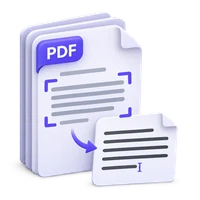


Not every PDF needs recognition. A digital document, or a scan that has already been recognized, may contain a text layer that can be exported directly. PDF to Text gives you that stored content. The key is to distinguish extraction from OCR and review the reading order before reusing the words.
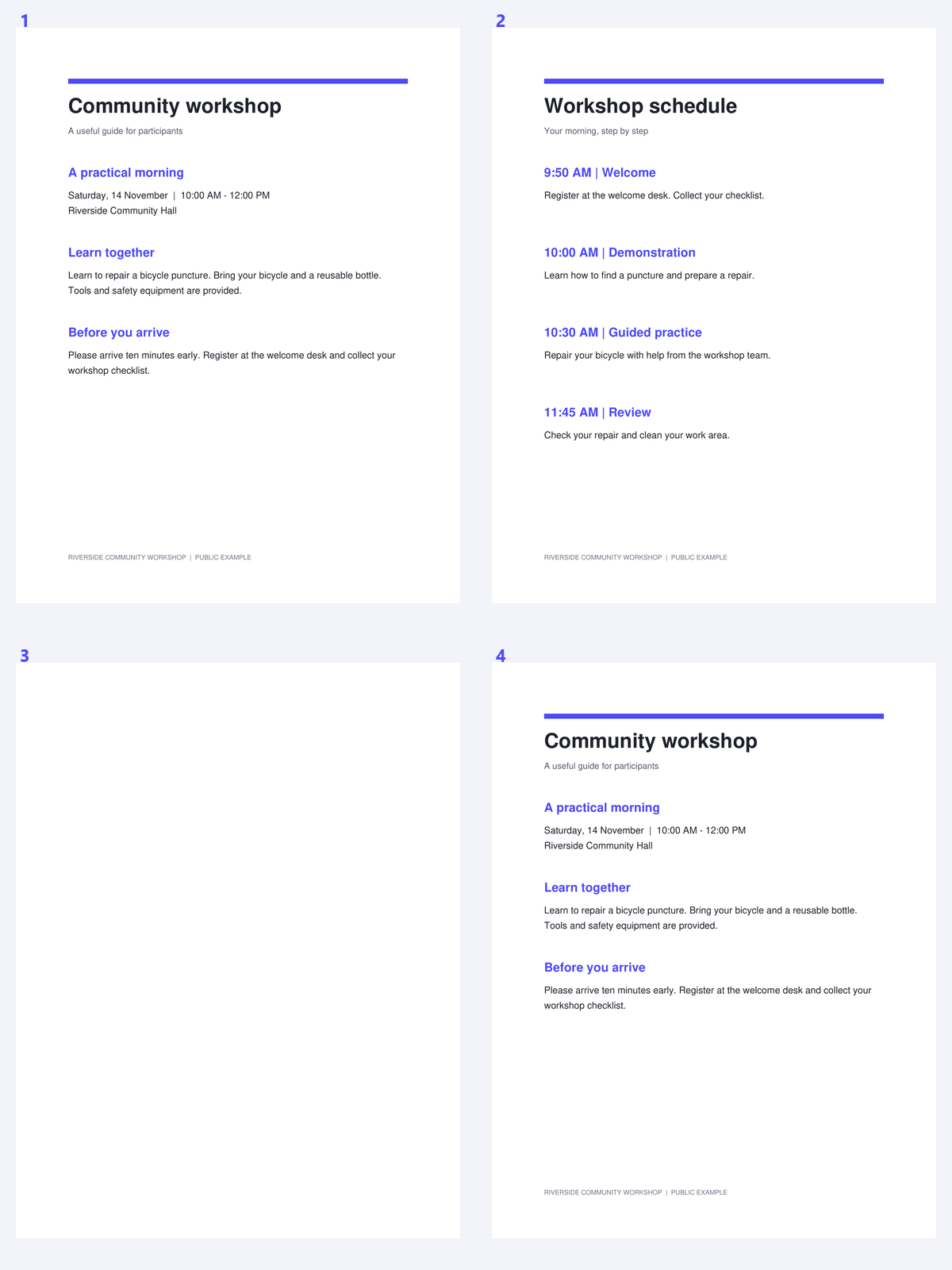
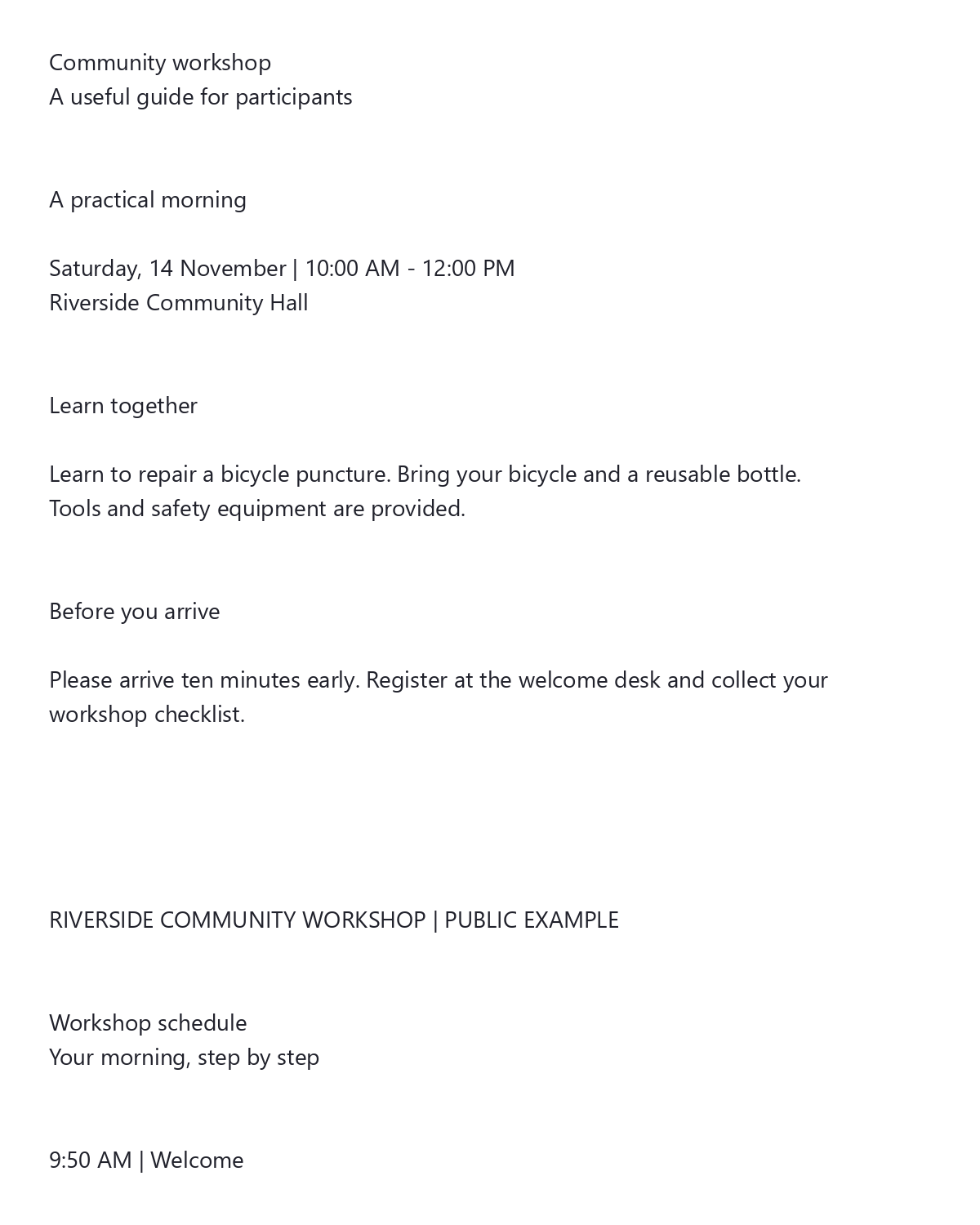
The example uses a public workshop packet with an existing text layer. Compare the extracted words with the visible source, rather than treating this as recognition of an image.
Check whether the PDF already contains text
Open PDF to Text and choose the document. A digital report or previously OCR-processed scan may already contain the words you need.
If the file is an image-only scan, extraction will not create text from its pixels. Use PDF OCR instead of repeatedly exporting an empty text layer.
Select the pages and output arrangement
Enter a page range when only a portion of the document is relevant. Choose one TXT file for continuous reading, or separate files for page-based reference.
Page numbers in a range refer to positions in the loaded PDF. A printed page number can differ when the file includes a cover or an unnumbered introduction.
Try text extraction before OCR when the PDF has a usable text layer.
Extract and review the words
Click Start to extract the stored text. Compare the result with the visible source, particularly where the page contains columns, tables or footnotes.
Check line-ending hyphens, unusual characters and important identifiers. A previous OCR error can be copied into the export just as easily as correct digital text.
Keep page references when quoting or checking extracted passages.
Download the text and keep its source context
Download the TXT or ZIP result. For separate files, use the page-based filenames and the included combined text to keep track of where passages came from.
Plain text is meant for reuse, not visual reproduction of the PDF. Keep the source PDF for checking layout or references, and use OCR only for pages whose image content still needs recognition.
Common questions
Does PDF to Text run OCR?
No. It extracts the text already stored in the PDF. Image-only pages need PDF OCR.
Why is the text order different from the page?
PDF text can be stored as positioned pieces. Columns, tables, footnotes and unusual font mappings can produce an order that needs review in plain text.
What is inside the separate-files ZIP?
It contains a text file for each selected page and a combined text file. The files use UTF-8 text.
Can extraction fix errors from an older OCR layer?
No. Existing text errors can be copied into the export. Compare important wording with the visible source and correct it before reuse.
Prepare your next document with PDF to Text.
Try text extraction before OCR when the PDF has a usable text layer.