

A sideways PDF does not need a scan-enhancement pass just to become readable. Rotate PDF applies a quarter-turn to the native page, avoiding the raster conversion used by deskew tools. This guide explains angle offsets and page scope so that already-upright pages stay correct.
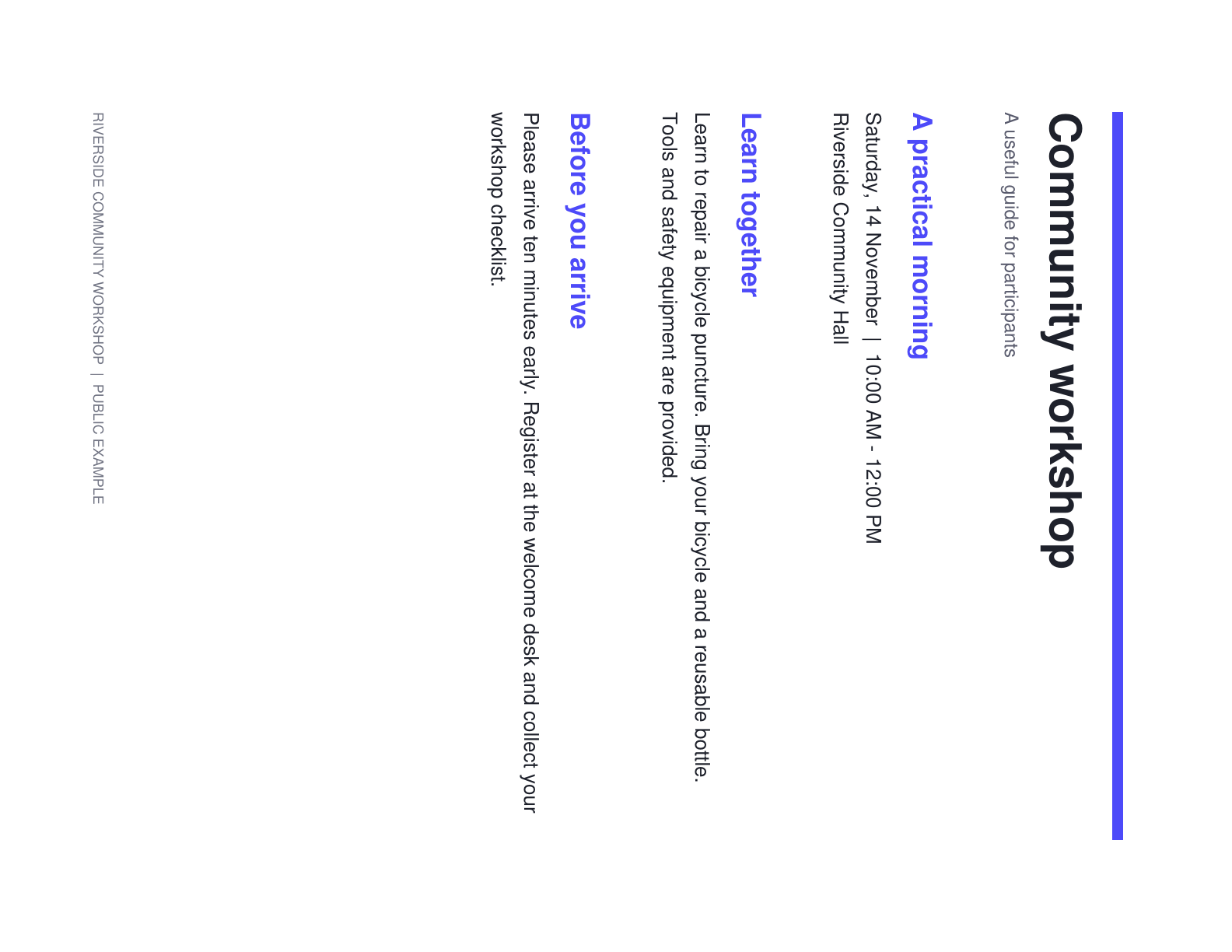
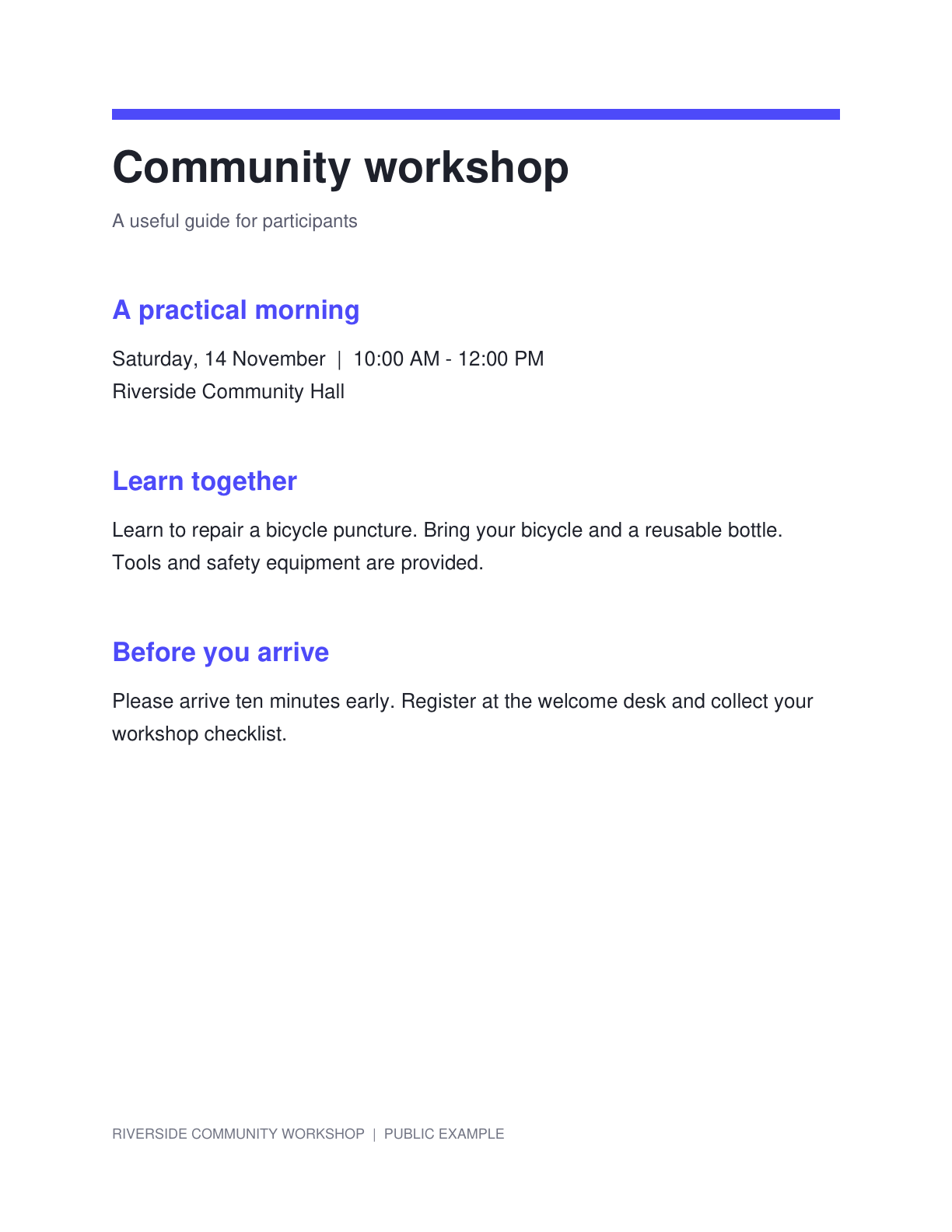
The example uses a sideways public workshop notice. Compare its orientation before and after the quarter-turn correction, while retaining the same page content.
Identify sideways and upside-down pages
Open Rotate PDF and load the document. Browse the page preview to distinguish orientation errors from a slight scan tilt.
If only the text lines lean while the page is otherwise upright, use Deskew PDF. A quarter-turn is intended for a page that needs a major orientation correction.
Choose the angle and page scope
Select 90°,180° or 270° and inspect the result in the preview. The chosen angle is an offset from the source orientation.
Leave Apply to all pages on only when every page needs the same correction. Otherwise turn it off and adjust individual pages or use the batch range controls.
Use the visible preview to choose the correction for an already-rotated source.
Review mixed orientations and create the result
Check a portrait page and a landscape page when the document contains both. Confirm the scope label before applying a batch change.
Click Start to save the rotated PDF. The operation changes page rotation rather than rebuilding the content as images.
Check the page scope before rotating a mixed portrait-and-landscape packet.
Download and continue with the upright document
Download the PDF and check the intended pages in the result. Make sure an already-upright page was not rotated with the rest by mistake.
Use PDF OCR if the upright pages are scans. A PDF with existing selectable text can instead continue to PDF to Text without a new recognition pass.
Common questions
Can I rotate only one page?
Yes. Turn off Apply to all pages and adjust the current page. The editor also offers batch ranges for selected page positions.
Does 0° make the original page upright?
No. The setting is an offset from the source rotation.0° keeps the original orientation; use the preview to choose the correction.
Does rotating reduce image quality?
The quarter-turn changes native PDF page rotation without rasterizing or resampling the page content.
Can this fix a slight scan tilt?
Use Deskew PDF for fine angle correction. Rotate PDF provides quarter-turn orientation changes.
Prepare your next document with Rotate PDF.
Use the visible preview to choose the correction for an already-rotated source.