
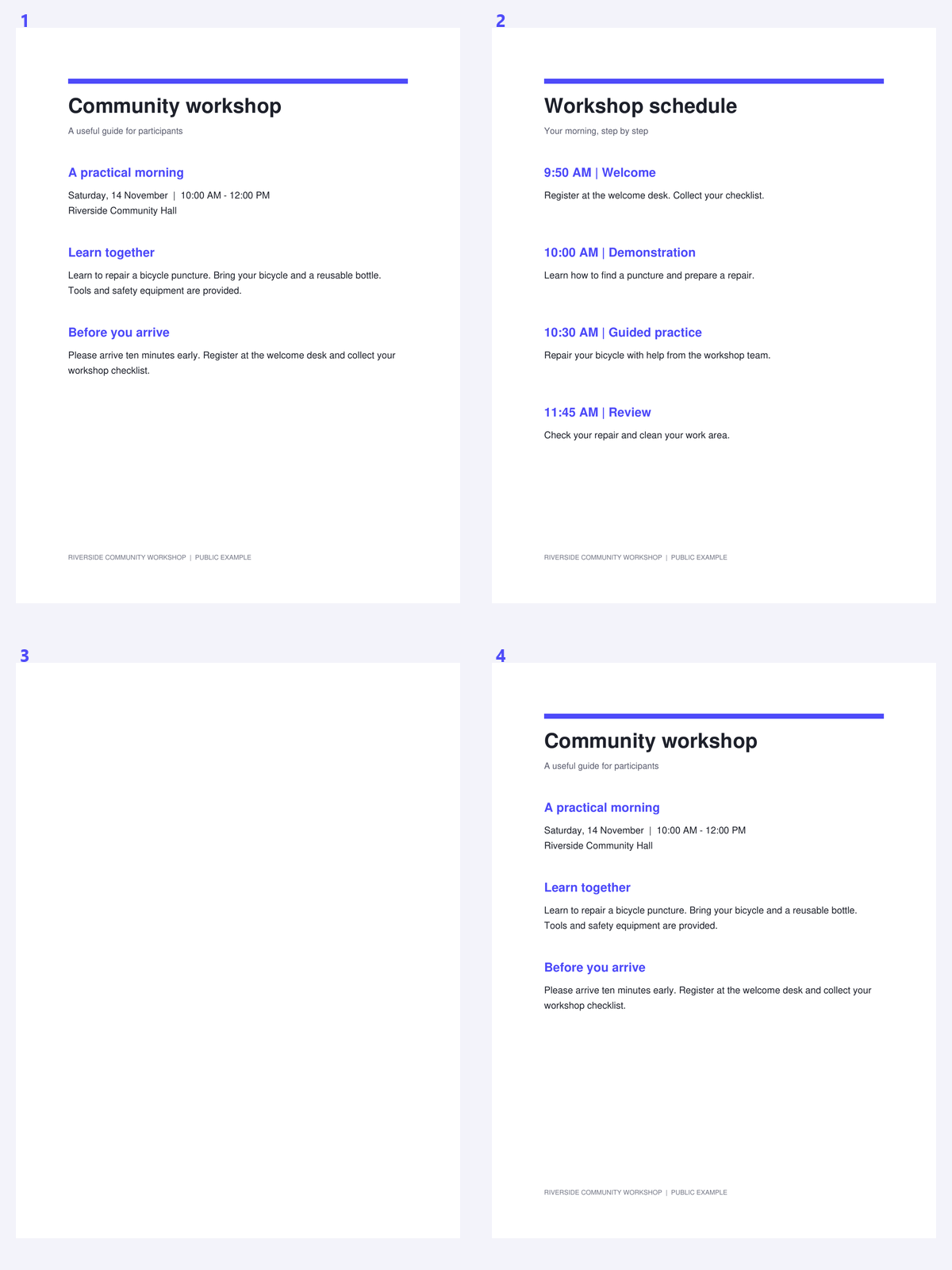
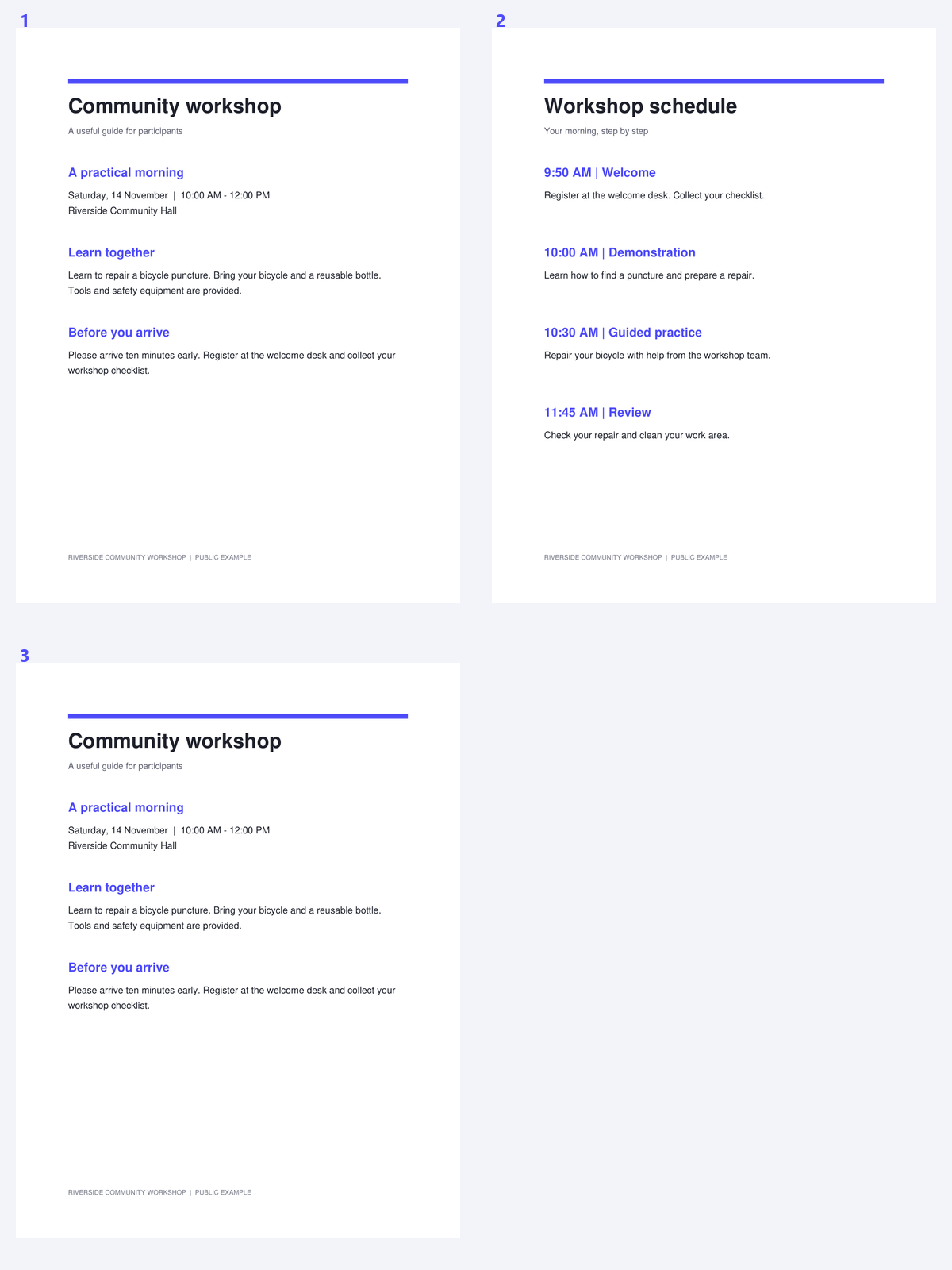

Empty backs and scanner separators can interrupt a document, but an almost-empty page may contain the only signature or handwritten note in the packet. A useful blank-page workflow therefore combines detection with review. Choose a tolerance, inspect the suggestions and make the final keep/remove decision yourself.
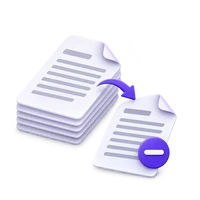
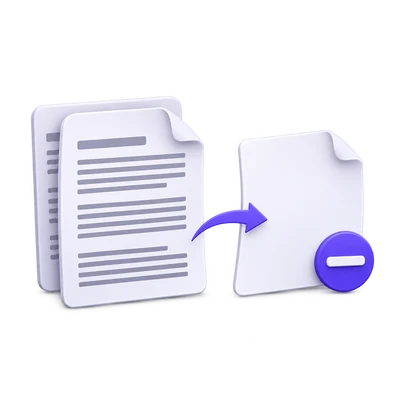
The example uses a public workshop packet containing a known empty sheet. Compare the source sequence with the retained document after reviewing the blank-page suggestion.
Open the scanned packet and choose a tolerance
Open Remove Blank Pages from PDF and load the document. Inspect a known empty sheet and a faint content page before choosing a tolerance.
Start conservatively. A dirty scanner background may require a more permissive setting, but a light pencil mark can be meaningful even when it occupies very little of the page.
Find blank pages and review each suggestion
Choose Find blank pages. The page list marks the suggested removals so you can inspect them rather than deleting blindly.
Open nearly empty pages and check signatures, initials, faint handwriting and form fields. Intentional separators may also need to stay even when they contain no visible content.
Use the lightest tolerance that solves the actual scan-noise problem.
Adjust the keep/remove choices and process
Keep any suggested page that belongs in the record. Mark unwanted pages only after checking their content and review the final removal count.
Click Start to create the result. If every page is marked, one page is retained so the PDF is not empty; if nothing changes, the result can be an unchanged copy.
Keep intentional separators when they matter to the document’s structure.
Download and confirm the useful sequence
Download the cleaned packet and inspect transitions where a page was removed. Check that the content pages and their supporting notes remain together.
Continue with PDF OCR for the pages that need recognition. Removing empty sheets can simplify review, but it does not improve the image quality of the pages that remain.
Open Remove Pages From PDF · Open Remove Duplicate Pages From PDF
Common questions
Can detection mistake faint writing for a blank page?
Yes. A permissive noise tolerance can overlook small or faint marks. Review every suggested removal and keep pages that carry useful information.
What happens if all pages appear blank?
The tool retains the first page rather than creating an empty PDF. Review the result before deciding whether the source really contains no useful content.
Will a document with no blank pages change?
If no pages are removed, the tool can return an unchanged copy. It does not force a deletion just to produce a different result.
Does removing blank pages add OCR?
No. It changes the page set. Run PDF OCR separately for image-only pages whose text you need.
Prepare your next document with Remove Blank Pages from PDF.
Use the lightest tolerance that solves the actual scan-noise problem.