

A dirty background, a scanner shadow and a handwritten note can look similar to an automatic cleanup routine. The safest preparation is selective: identify the distraction, make a modest adjustment, and check the information that must survive. Enhance Scanned PDF provides separate profiles and controls for that review.
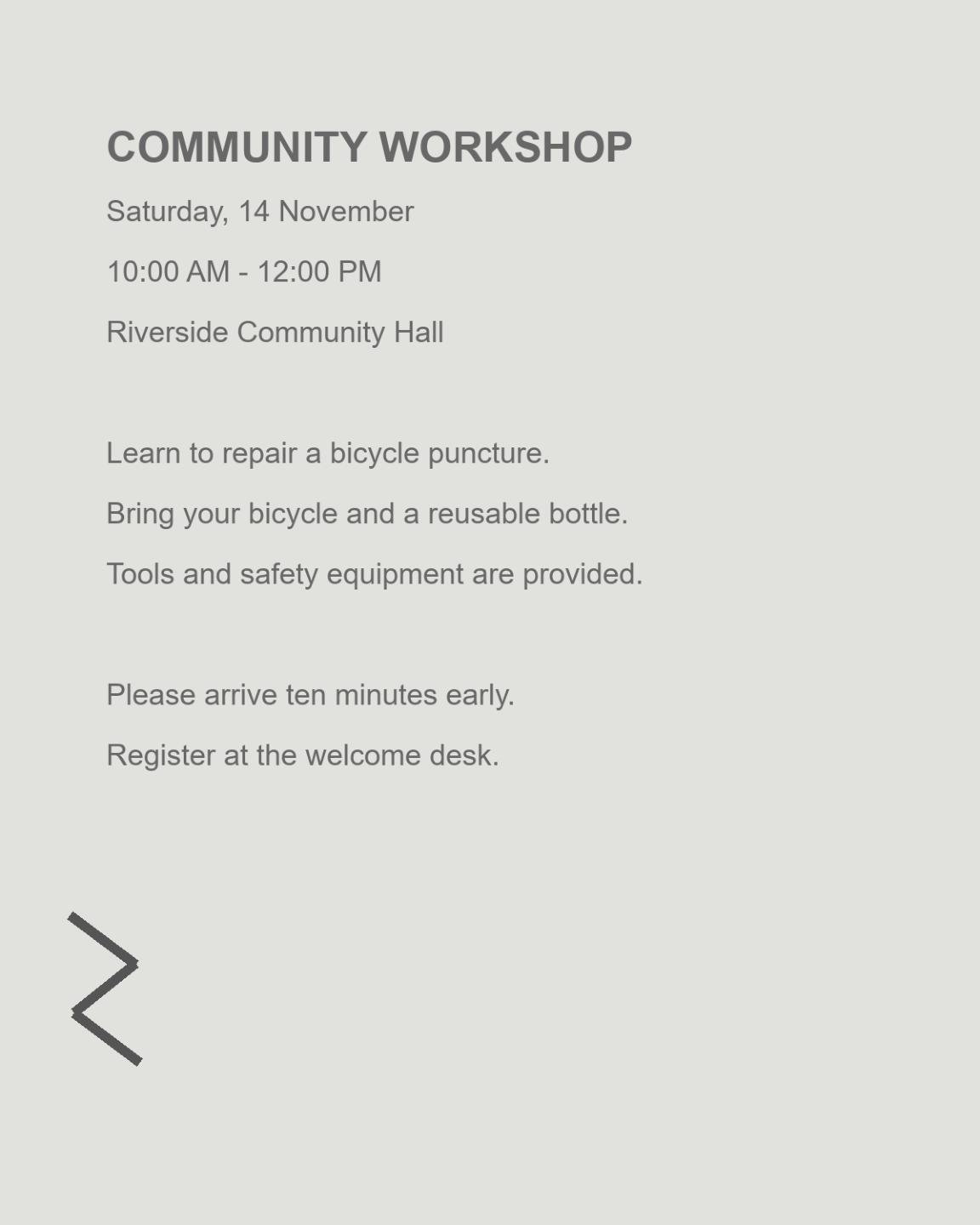
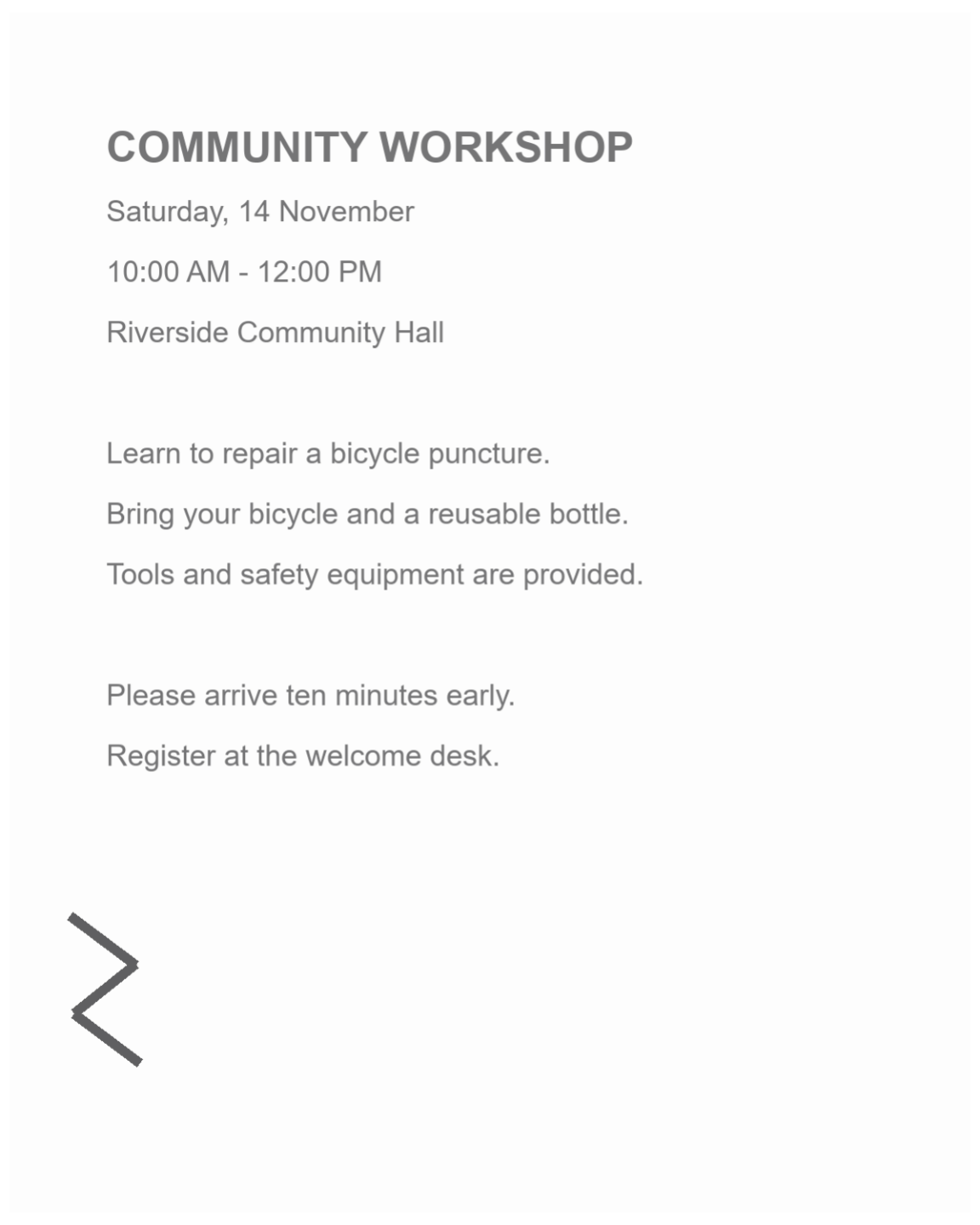
The example uses a public workshop scan with background distractions. Compare the cleanup around the text while checking that small marks remain visible.
Identify what is making the scan difficult
Open Enhance Scanned PDF and upload the source. Inspect whether the main problem is a gray background, uneven shadows, edge marks or colored notes.
Choose a page with representative text and at least one small detail. A cleanup that improves the headline but removes punctuation is too strong for reliable reuse.
Choose a profile and make a restrained adjustment
Start with Clean scan for ordinary paperwork. Adjust strength and cleanup, then add shadow, border or speckle treatment only when the source needs it.
Use Black & white for a deliberate simplified result, or Colored notes when colored marks carry useful information. Compare with the original after each change rather than turning every control up together.
Change one type of cleanup at a time so its effect is clear.
Review all pages and export
Decide whether the current treatment should be shared or applied only to the current page. Browse the rest of the packet for handwriting, highlights or dark photographs that need different settings.
Select the output resolution and click Start. The tool creates a new image-based PDF, so an existing text layer will not survive as searchable text in this output.
Inspect edge notes before using border cleanup.
Check information before continuing to OCR
Download the cleaned copy and inspect the weakest strokes, border annotations and small dots. Keep the original beside it while deciding whether the result is useful.
Continue with PDF OCR only after this visual review. If a cleanup has removed a character, recognition cannot verify what used to be there; reduce the adjustment and try again.
Common questions
Does enhancement recognize the text?
No. It changes the page images. Run PDF OCR separately when you need editable or searchable text.
Can I remove every speckle automatically?
You can apply despeckle cleanup, but tiny dots can also be meaningful punctuation or writing. Review the result and use the lightest effective setting.
Should I always choose Black & white?
No. It can simplify a plain text scan, but may remove useful tone or color. Use a profile that matches the document and inspect highlights and handwriting.
Will the original PDF be replaced?
The tool creates a separate result. Keep the original so you can compare important marks and return to less aggressive settings.
Prepare your next document with Enhance Scanned PDF.
Change one type of cleanup at a time so its effect is clear.