

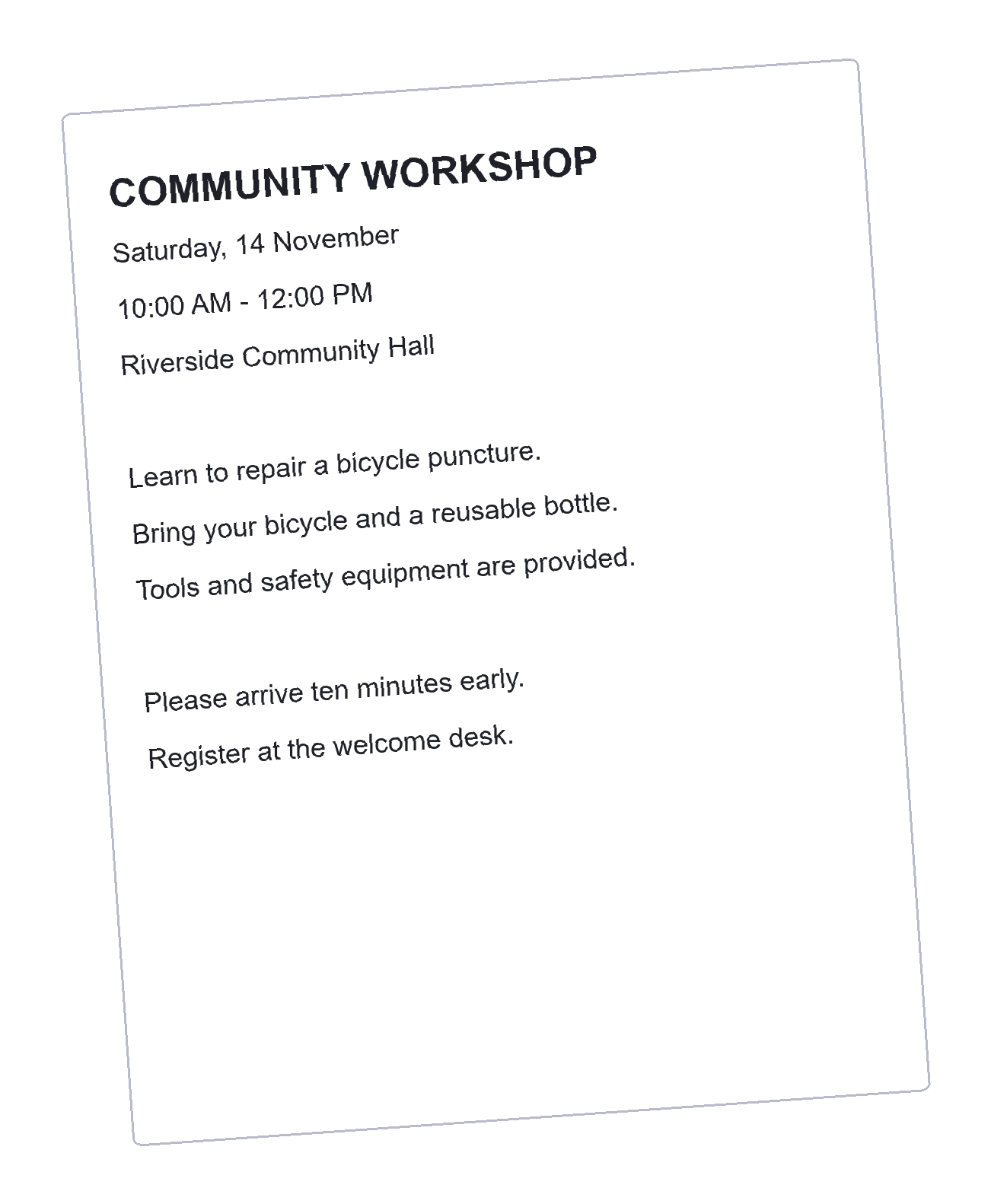
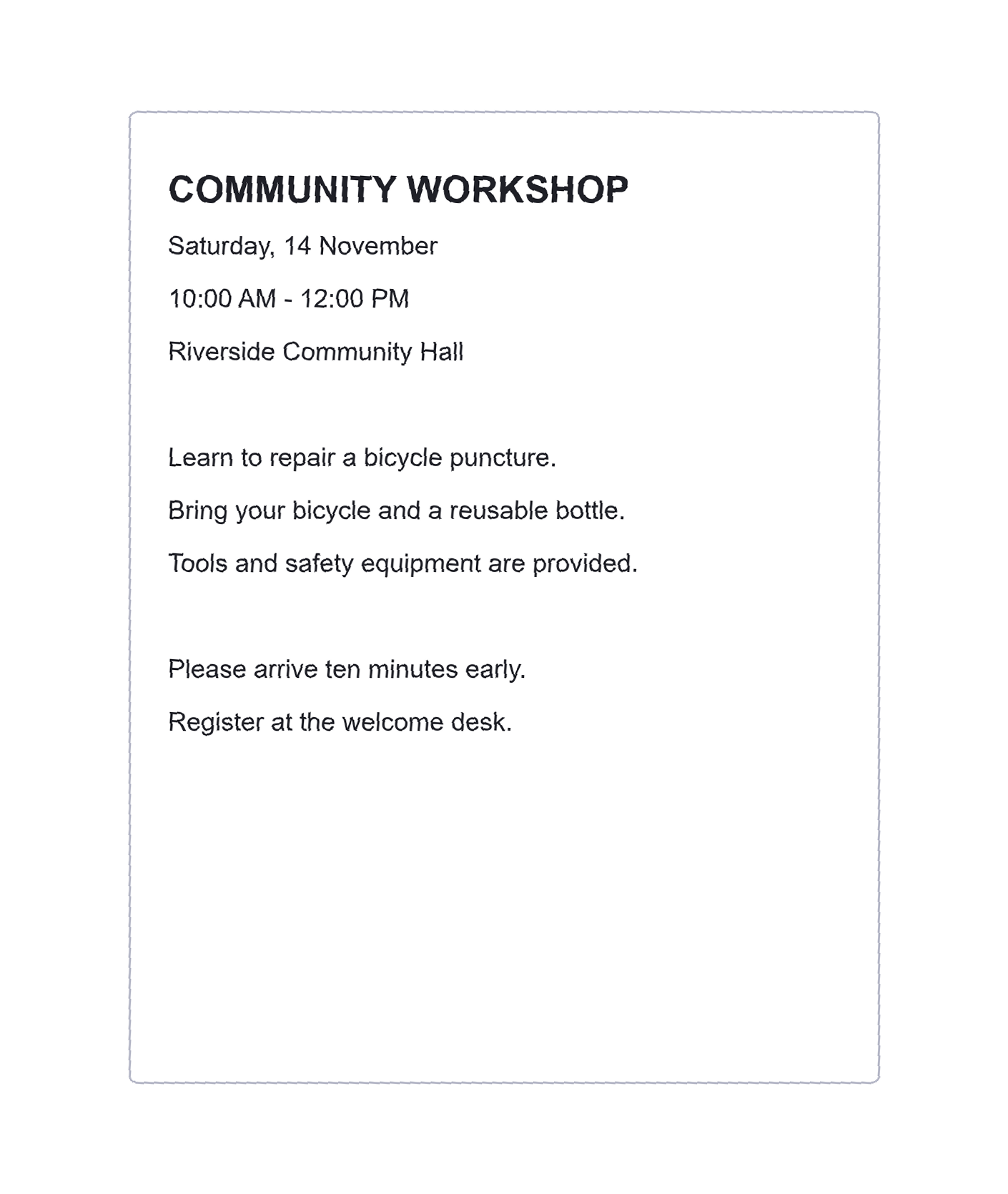

A slightly rotated scan can make lines harder to follow and complicate later cropping. Deskewing rotates the existing image so the main text runs horizontally. This walkthrough uses a workshop notice with a small tilt; the goal is a level result, not a reconstructed or redesigned page.
Open the original scan or photo
Open Deskew Image and choose Upload Image. The tool accepts one supported image up to 50 MB. Use the frame navigation for a multipage or animated source; only the selected frame is exported.
Look at the problem before changing a setting. A sideways page needs a quarter-turn in Rotate Image. A trapezoid-shaped page photographed from an angle needs a better capture or a perspective correction elsewhere. Deskew handles rotation.
Review the suggested correction
The preview starts with a detected correction when one is available. Compare several ordinary text lines with the horizontal frame. Ignore a decorative heading if it is intentionally slanted.
Use detected angle restores the suggested value after a manual experiment. It does not certify that the value is correct: tables, illustrations, few words or mixed text directions can make angle detection uncertain.
Judge the long, repeated lines of text. A single border or diagonal mark may point in a different direction.
Make a small manual adjustment
Use the angle slider, enter a degree value or use the fine rotation buttons. The range is -45 to +45 degrees, with 0.1-degree steps. Positive values rotate clockwise; negative values rotate counterclockwise.
Move gradually and compare the result with the original. A tilted source does not necessarily need the largest correction suggested by its outer paper edge. The text itself is the useful reference when preparing a page for reading or OCR.
The recorded example uses a +4-degree clockwise correction. That value belongs to this tilted source; choose the direction and amount that level your own text.
Download and check the finished image
Choose PNG, JPEG or lossless WebP, then click Deskew Image. Review the result at a useful size before downloading it. Arbitrary-angle rotation resamples pixels, so inspect small type and thin punctuation as well as the overall alignment.
The canvas grows to keep the rotated corners. Opaque images receive white padding; transparent images can retain transparent padding in PNG or WebP. Use Crop Image afterward if you want to remove the new outer border, or continue to Image OCR when you need editable text.
Deskew Image questions
Can I ignore the detected angle?
Yes. Enter a manual angle or return to zero. The detected value is only a suggestion.
Does this remove the border around the page?
No. The canvas expands during rotation. Use Crop Image if you want to trim the border afterward.
Will the file stay animated?
No. The selected frame is saved as a still PNG, JPEG or WebP image.
Level the lines before the next step
Check the correction against the actual text, then save a separate image.