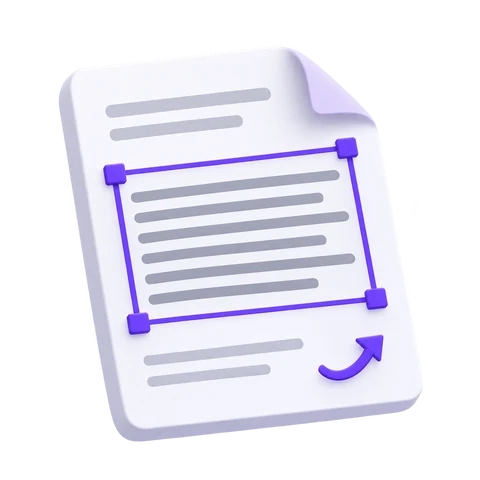
Start with the part of the page that matters. Rotate an image, crop distracting edges and select a paragraph or a clear text area before recognition. The image editor helps you prepare your source, while the preview keeps your selection easy to check.
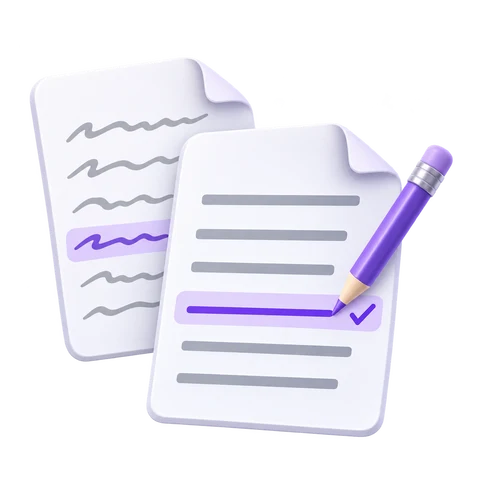
Read the recognized text alongside its source, with the details close at hand. Check names, dates and numbers, spot missing words and correct the transcript before moving on. Keeping the page and its text together makes review a natural part of the work.
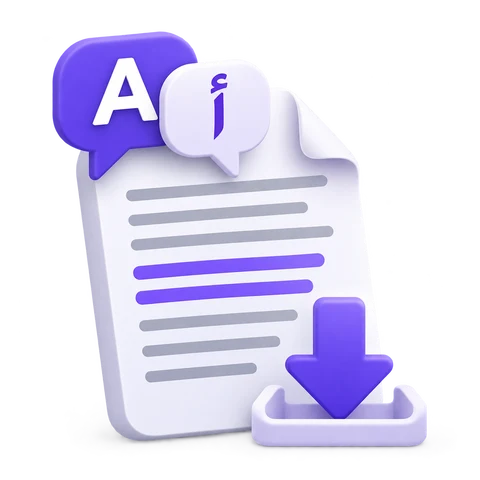
Move from extracted text to your next task. Use Smart Edit to refine wording and formatting, translate when needed, or copy a passage into another document. Choose TXT, Word or PDF output to continue your work.
Files are processed on our servers. All source files, temporary files and generated results are deleted from our servers within 30 minutes after processing finishes.
We do not share your files or their contents with third parties or use them to train AI models.
Answers about privacy, supported files, recognition quality, downloads and batch OCR.
Is the i2OCR service confidential?
Files are processed on our servers. All source files, temporary files and generated results are deleted from our servers within 30 minutes after processing finishes. We do not share your files or their contents with third parties or use them to train AI models.
How many files can I process per day?
You can use the online tools repeatedly, processing one image, one PDF page or one selected area at a time. File-size and service limits apply to keep the free tools available for everyone.
How much does i2OCR cost?
Image OCR and PDF OCR are free to use. You do not need an account, subscription or installation. Batch OCR projects are a separate paid service.
What OCR technology does i2OCR use?
i2OCR uses optical character recognition, including AI-assisted recognition, to turn text in images and scanned PDFs into editable text. Classic is suited to clear printed text, while Future handles a wider variety of documents.
How many languages does i2OCR support?
i2OCR supports 128 recognition languages, including English, Arabic, Persian and other right-to-left languages. Choose the language used in your document; English is selected by default.
What is the maximum input file size?
Image OCR accepts one image up to 25 MB. PDF OCR accepts one PDF up to 200 MB with up to 750 source pages, and recognizes one page or selected area per request. Image dimensions and processing limits also apply.
How do I download the extracted text?
After recognition, review the text and choose a TXT, Word (DOCX) or PDF download. You can also copy the text. The available PDF output depends on the recognition mode, and Smart Edit can save a formatted HTML copy.
Can i2OCR recognize handwriting?
Future OCR can help recognize handwriting, but results depend on legibility, language and image quality. Clear printed text is generally easier to recognize. Always review handwritten results, especially names and numbers.
Will i2OCR preserve the layout of my document?
OCR can recognize text in multiple columns, but editable text and Word output may not preserve the original tables, spacing or formatting. Classic offers a searchable PDF that retains the recognized page or area as an image with selectable text. Future offers a text-only PDF with a new layout.
Which image formats does Image OCR support?
Image OCR accepts JPG, JPEG, PNG, TIF, TIFF, BMP, GIF, WebP and HEIC files. Animated GIFs and multi-page TIFFs use only the first frame or page. Use PDF OCR for scanned PDF documents.
Why does PDF OCR process one page at a time?
Processing one page at a time helps keep free OCR responsive and lets you choose the page or area you need. Review and save the result, then select another page to continue. Batch OCR is available separately for larger projects.
Do you offer batch OCR?
Yes. We offer a paid batch OCR service for image collections and PDF documents. Contact us at admin@sciweavers.org with the document language, approximate volume and desired output to discuss the project and pricing.